> ## Documentation Index
> Fetch the complete documentation index at: https://info.invictai.io/llms.txt
> Use this file to discover all available pages before exploring further.
# Intercom Admin ID
To enable an agent to send messages through Intercom, you need to include the
admin ID in the agent's system message or request. The agent will send
messages on behalf of the admin whose ID is used.
Finding your Intercom Admin ID is a simple process:
Navigate to "Your Inbox" in Intercom. Look at the URL in your browser - your
Admin ID is the number that appears after "admin/" in the URL path.
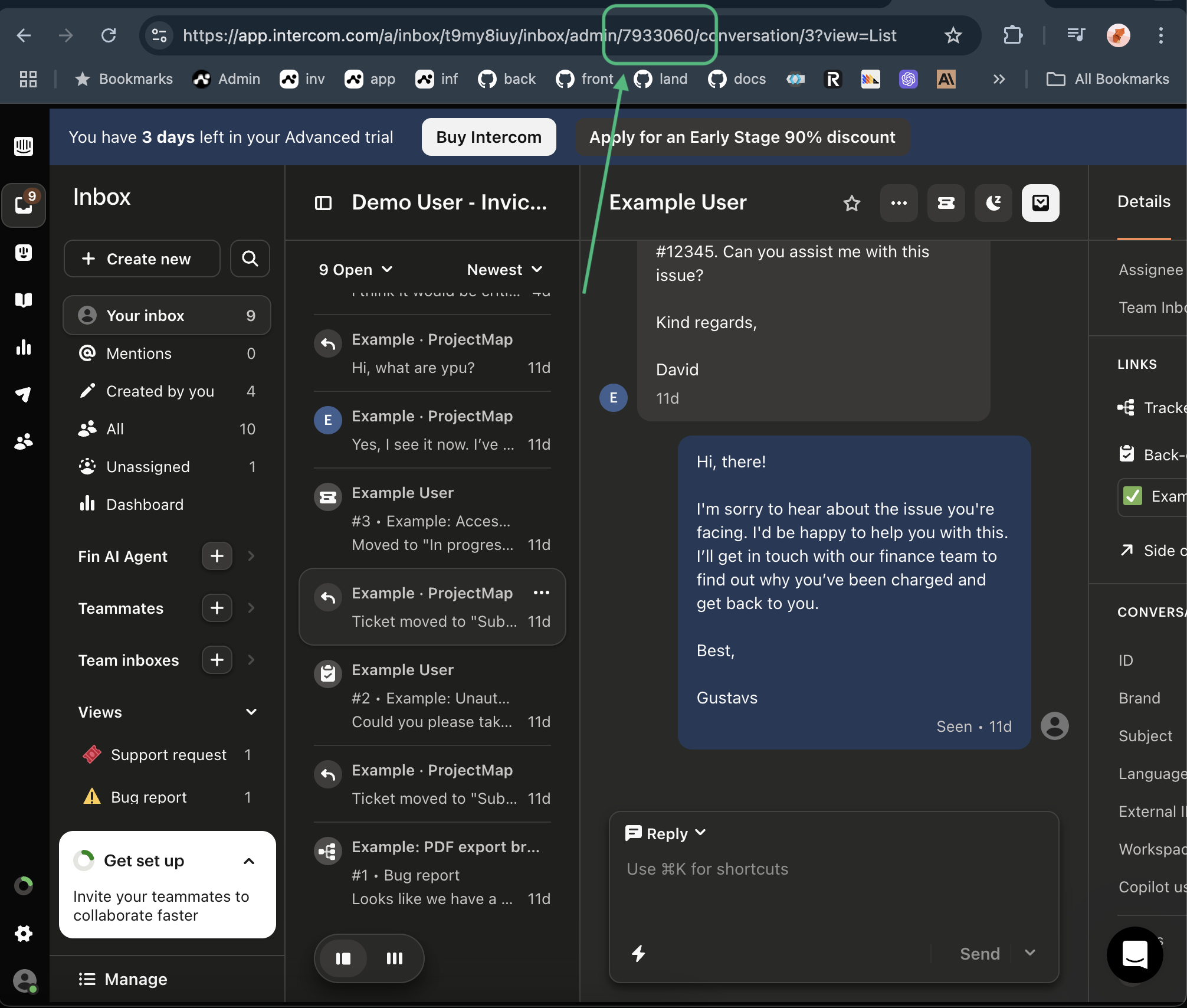 For example, an admin ID might look like: `1234567`